How to create an author and speaker media kit (with a template)
What an author or speaker media kit should include, how to lay it out on your website, and a copy-and-paste template for bios, headshots, topics and contact details.
An author or speaker media kit is a single page (on your website, with a downloadable PDF) that gives journalists and event organisers everything they need without emailing you: a short and a long bio, two or three high-resolution headshots, your book cover and details, the topics you speak or comment on, recent media, sample interview questions and contact details for bookings and press.
Key takeaways
- Put the media kit on a page of your website, and offer a PDF version to download.
- Include a 50-word and a 150–200-word bio, both in the third person.
- Offer two or three high-resolution headshots, free to use with credit.
- List the topics you speak and comment on, in plain language.
- Make contact details for bookings and press impossible to miss.
Journalists and event organisers work to deadlines. When they need a bio, a photo or a quote, they look for it on your website, and if it isn’t there they use whatever they can find, or pick someone else.
A media kit solves that. It’s one page that answers every practical question in advance.
What to include
1. Bios in two lengths
- Short bio (about 50 words) for event programmes, podcast show notes and article bylines.
- Long bio (150–200 words) for websites, press releases and introductions.
Write both in the third person, so they can be used as they are. If you need help, see how to write an academic bio.
2. Headshots
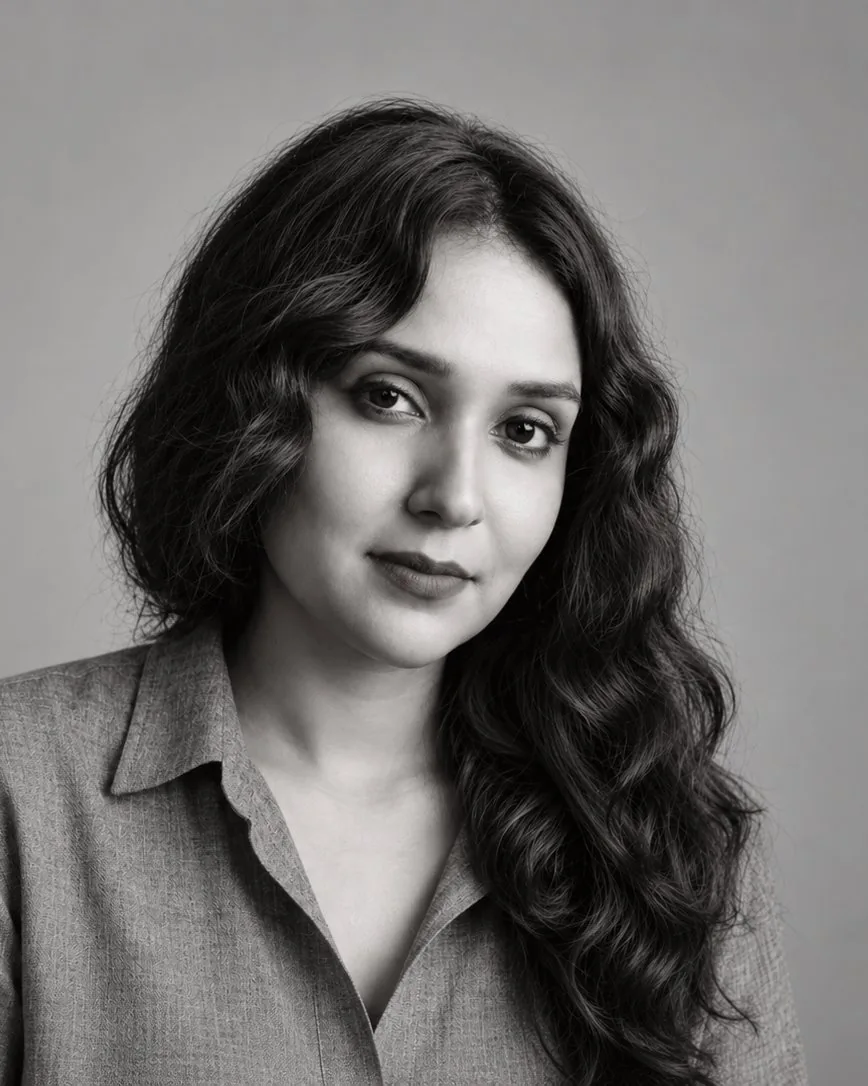
- Two or three high-resolution photos: one portrait, one landscape, and ideally one in a speaking setting.
- A line saying they’re free to use with credit, plus the photographer’s name.
- Recent photos only. If you’ve changed your hair or glasses since, it’s time for new ones.
3. Book details (for authors)
- Cover image in high resolution.
- Title, subtitle, publisher, publication date and ISBN.
- A one-paragraph summary.
- Praise and awards.
- Buy links.
4. Topics
List three to six topics you speak or comment on, each with a line of explanation in plain language. Journalists search by topic, so this is often what gets you the call.
5. Speaking information (for speakers)
- Talk titles with two-sentence descriptions.
- Formats: keynote, panel, fireside chat, workshop.
- Video: a link to your best recent talk.
- Past events and organisations.
6. Recent media
A dated list of interviews, op-eds, podcasts and quotes, with links. It shows you’re comfortable with the press and gives journalists a sense of your style.
7. Sample interview questions
Five to eight questions you’re happy to answer. Podcast hosts and journalists often use them as a starting point.
8. Contact
- An email for press and speaking, or your bureau’s details.
- Your university press office, if you work with it.
- How quickly you usually reply.
Media kit template
Copy this into a page on your website and fill in the brackets.
[Full name]: media kit
Short bio (50 words) [Full name] is [title] at [institution], where [he/she/they] studies [topic in plain language]. [He/She/They] is the author of [Book title] ([Publisher], [Year]).
Long bio (150–200 words) [Longer version, with credentials, notable media and one human detail.]
Headshots: [Download links] · Free to use with credit to [Photographer]
Book: [Title]: [Subtitle] · [Publisher], [Year] · ISBN [number] · [Buy links]
Topics I speak and comment on
- [Topic 1]: [one line]
- [Topic 2]: [one line]
- [Topic 3]: [one line]
Talks: [Title 1] · [Title 2] · [Video link]
Recent media: [Outlet, date, link] · [Outlet, date, link]
Contact: [Email] · Press office: [Email] · I usually reply within [time].
Where to put it on your website
- Give it its own page, such as yourname.com/press or /media-kit, and link to it from the main menu or footer.
- Add a Download PDF button at the top.
- Link to it from your speaking page and book pages.
- Keep it dated (“Updated [month, year]”) so journalists trust it’s current.
Common mistakes
- Headshots that are too small. Journalists need print quality, so offer at least 2000px on the long side.
- Only a PDF. It can’t be found in search and quickly goes out of date.
- Out-of-date bios. A new role or book should be in your media kit the same week.
- Hidden contact details. If a journalist has to search for your email, they’ll move on.
I build media kits as part of every personal website, written from your published work and kept current. If you’d like to see two sections of your site, free, request your samples here.
Frequently asked questions
What is the difference between a media kit and a press kit?
They are usually the same thing. 'Press kit' tends to mean materials for journalists; 'media kit' often adds speaking information for event organisers. For most authors and academics, one page covers both.
Should my media kit be a PDF or a web page?
Both. A web page can be found in search and is always up to date; a PDF is easy to attach to an email or forward to a committee.
How long should a speaker bio be?
Offer a short version of about 50 words for programmes and introductions, and a long version of 150–200 words for websites and press.
Should I include my speaking fee in my media kit?
Usually not. Most speakers share fees on request. Say how to ask about availability and fees instead.